 MKV Player
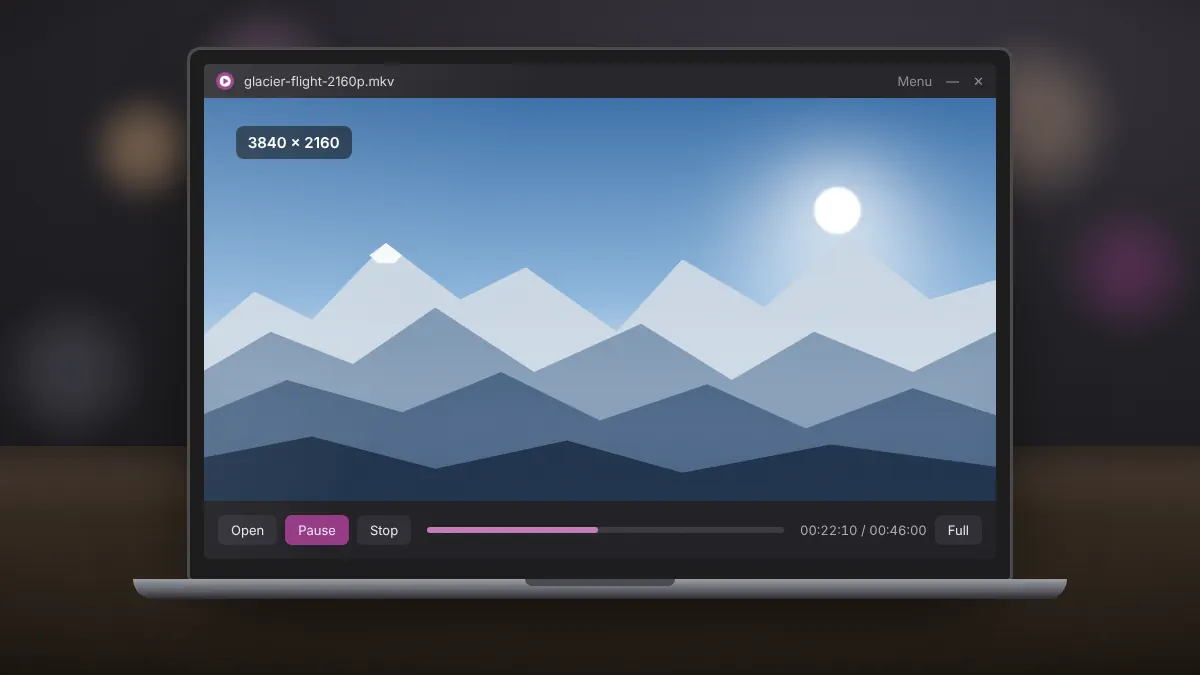
A lightweight player helps older computers, but resolution and codec still decide how much work the processor has to do. A 1080p H.264 file plays smoothly on almost any PC from the last decade. A 4K HEVC file with a high bitrate can challenge even fairly recent laptops.
Know your file
Use MediaInfo to check three details: resolution, video codec and bitrate. These tell you what to expect.
| File type | Typical demand |
|---|---|
| 720p or 1080p, H.264 | Light. Plays on most PCs from 2012 onward. |
| 1080p, HEVC (H.265) | Moderate. Hardware decoding makes a big difference. |
| 4K, H.264 | Heavy. Needs a quad-core CPU or GPU decoding. |
| 4K, HEVC 10-bit or HDR | Very heavy. Best with a GPU that decodes HEVC 10-bit. |
Free up resources
- Close web browsers, which use a surprising amount of CPU and memory.
- Pause cloud sync and large downloads while watching.
- On laptops, connect the charger and select a performance power mode.
- Restart the PC before a long film if it has been running for days.
Keep drivers current
Graphics drivers include the hardware video decoders. Updating them through Intel, AMD or NVIDIA can turn a stuttering file into a smooth one, especially for HEVC. Windows Update does not always deliver the latest version.
Play from a fast drive
High-bitrate 4K files can exceed what an old USB stick or slow network share delivers. Copy the file to your internal drive, ideally an SSD, before watching.
Watch at the screen's native resolution
If your monitor is 1080p, a 4K file gives no visible benefit while demanding four times the decoding work. Where a 1080p version of the same video is available, choose it.
Convert as a last resort
If a file still stutters, re-encode it to 1080p H.264 with a free tool such as HandBrake. Conversion takes time and reduces quality slightly, but the result plays smoothly in MKV Player on almost any machine.
Summary
Match the file to your hardware, keep drivers updated, play from local storage and close background apps. These steps let an older PC handle most high-resolution MKV files comfortably.