 MKV Player
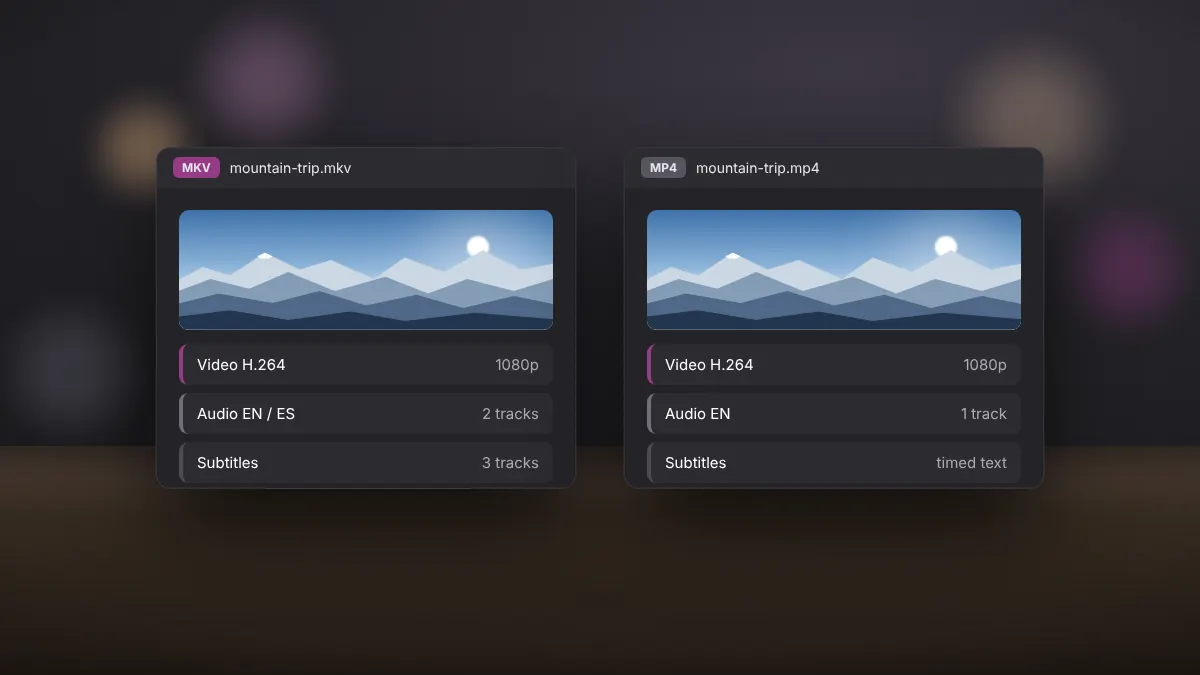
MKV and MP4 are both containers, not codecs. They can hold exactly the same H.264 or HEVC video, so picture quality is identical when the streams inside match. The differences lie in flexibility, compatibility and features.
What each format does best
MKV (Matroska) is an open format designed to hold almost anything: unlimited audio and subtitle tracks, chapters, attachments such as fonts, and nearly every codec in use today. It is the format of choice for archives and multi-language releases.
MP4 is an industry standard backed by phones, TVs, browsers and editing software. It supports fewer subtitle types and is stricter about which codecs it accepts, but it plays almost everywhere.
Side by side
| Feature | MKV | MP4 |
|---|---|---|
| Multiple audio tracks | Yes, unlimited | Yes, but less widely supported |
| Subtitle formats | SRT, ASS/SSA, PGS and more | Mainly timed text |
| Chapters | Full support | Limited |
| Device compatibility | Good on PCs, variable on TVs and phones | Excellent everywhere |
| Streaming in browsers | Limited | Native |
| Recovery from damage | Partial files often still play | Damaged files may not open |
File size
Container overhead is tiny for both formats. A film stored as MKV and as MP4 with the same streams will differ by a fraction of a percent. If one file is much larger, the streams inside were encoded differently.
When to keep MKV
- You watch on a Windows PC with a capable player such as MKV Player.
- Your files contain several languages or styled subtitles.
- You archive recordings and value chapters and resilience.
When MP4 makes more sense
- You share videos with friends on phones or messaging apps.
- You plan to edit the video in software that prefers MP4.
- You stream to a smart TV that rejects MKV.
Converting without losing quality
Changing container does not require re-encoding. Tools such as FFmpeg or MKVToolNix can copy the streams into a new container in seconds, a process called remuxing. Quality stays exactly the same. Re-encoding is only needed when the target device cannot decode the codec itself.
The verdict
For watching on a PC, MKV is the more capable format. For sharing and portability, MP4 wins. Many people keep MKV as their master copy and create MP4 versions only when needed.