 MKV Player
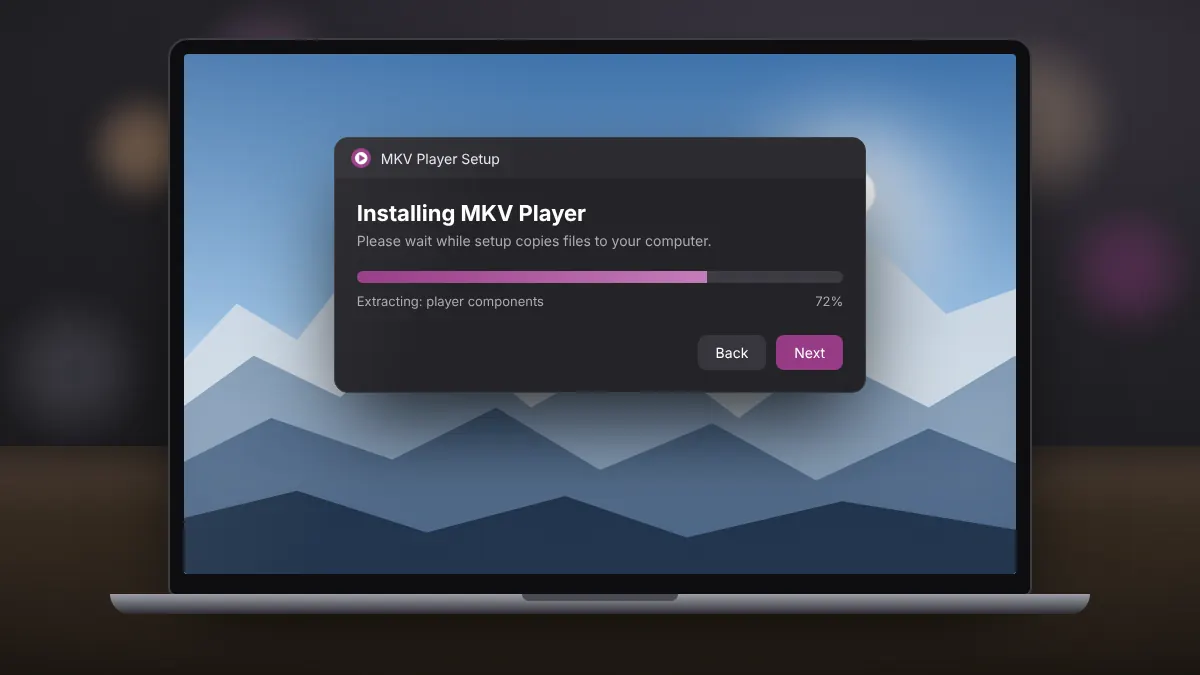
How to Install MKV Player on Windows 10 and 11
A clean, five-minute setup on Windows 10 or 11, including how to spot and decline optional offers in the installer.
Read fullEverything you need to get MKV Player running and your videos playing the way you want: setup, subtitles, audio languages, playlists and fixes for common problems.
A clean, five-minute setup on Windows 10 or 11, including how to spot and decline optional offers in the installer.
Read fullWhy some MKV files refuse to open in Windows, and three reliable ways to watch them without installing codec packs.
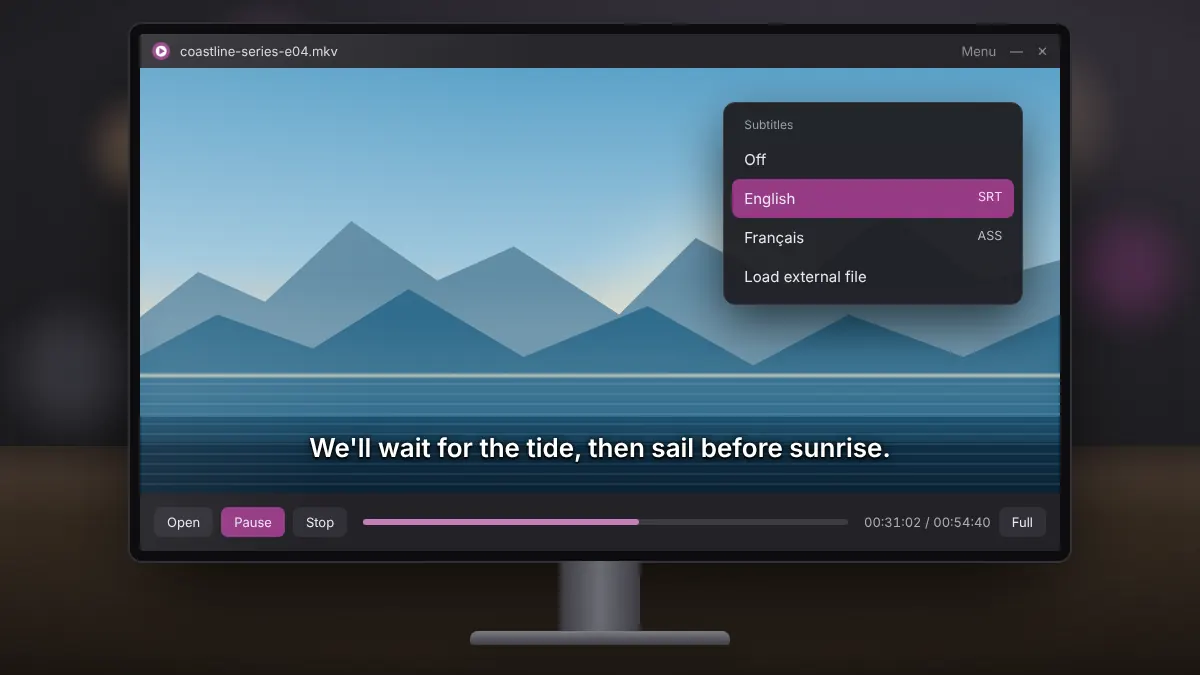
Read fullEmbedded tracks, external SRT files, out-of-sync timing and readability, all explained in plain terms.
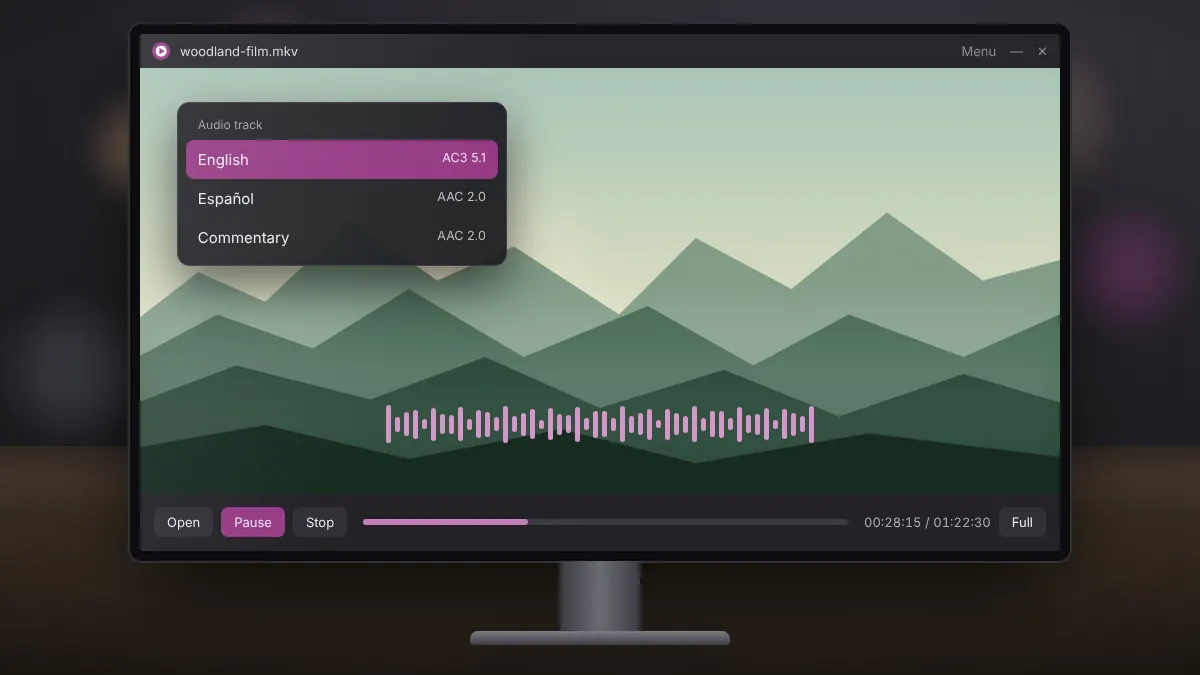
Read fullMultiple languages, commentary and surround tracks: how to pick the right one and make it the default.
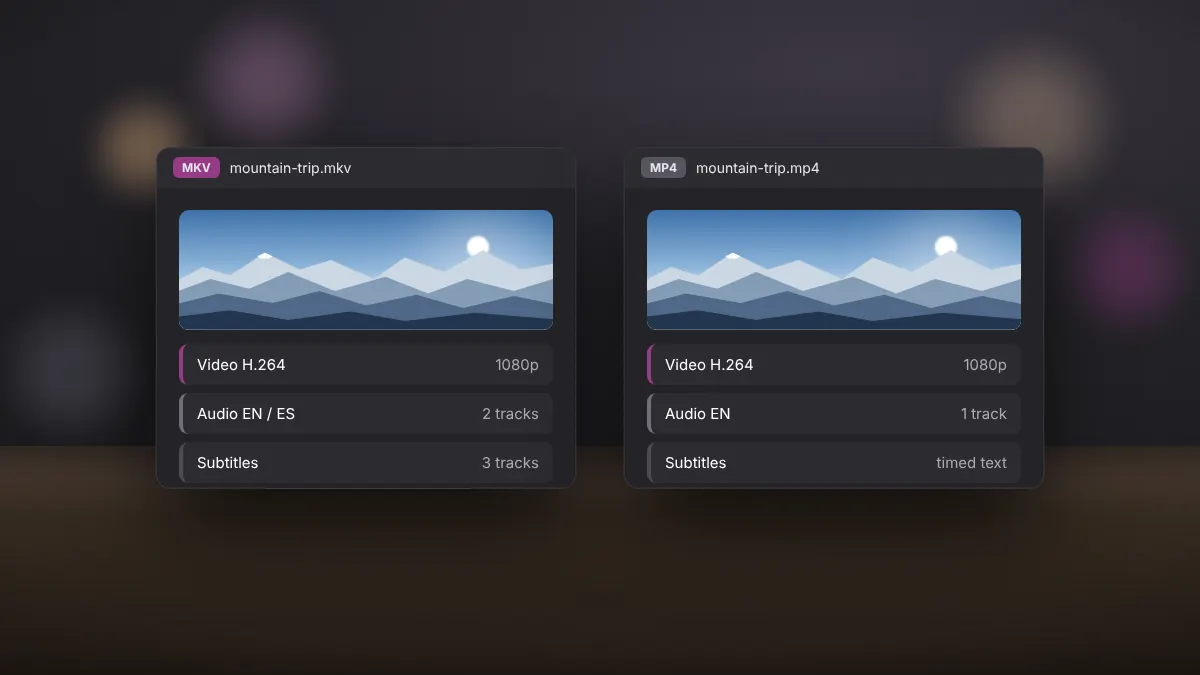
Read fullCompatibility, subtitles, multiple audio tracks and file size compared, with a clear answer on when to convert.
Read fullA structured way to diagnose choppy video, silent audio, black screens and files that will not seek.
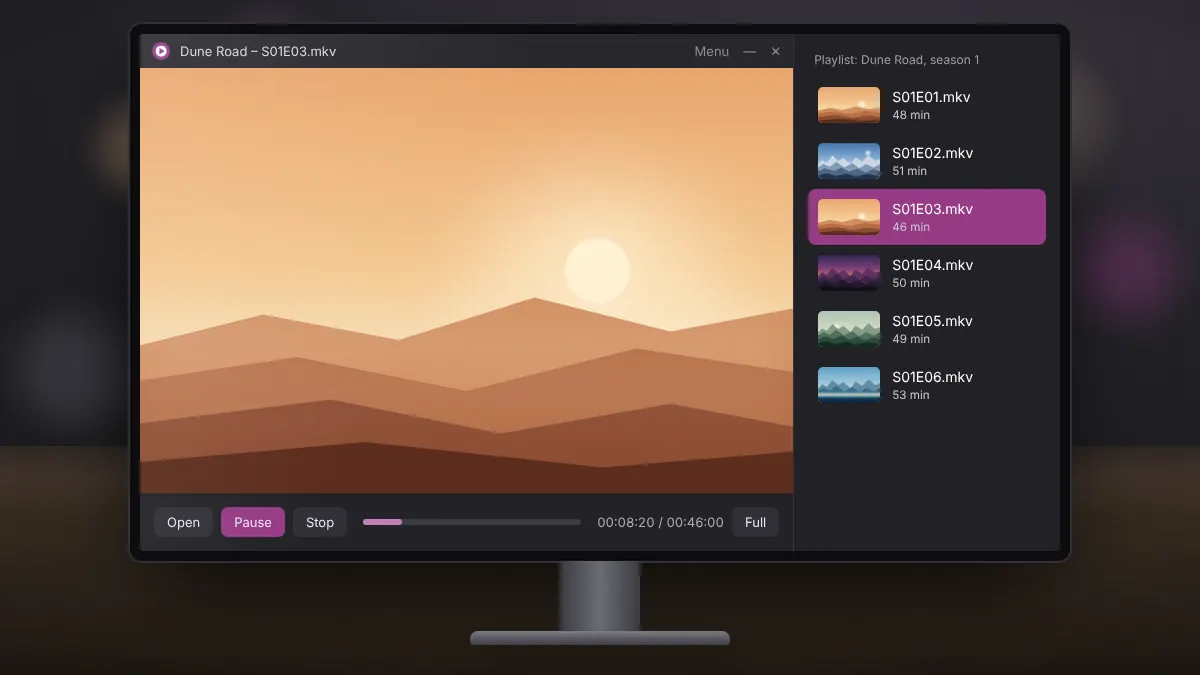
Read fullQueue a full season in the right order, save it for later and keep your folders organised for easy viewing.
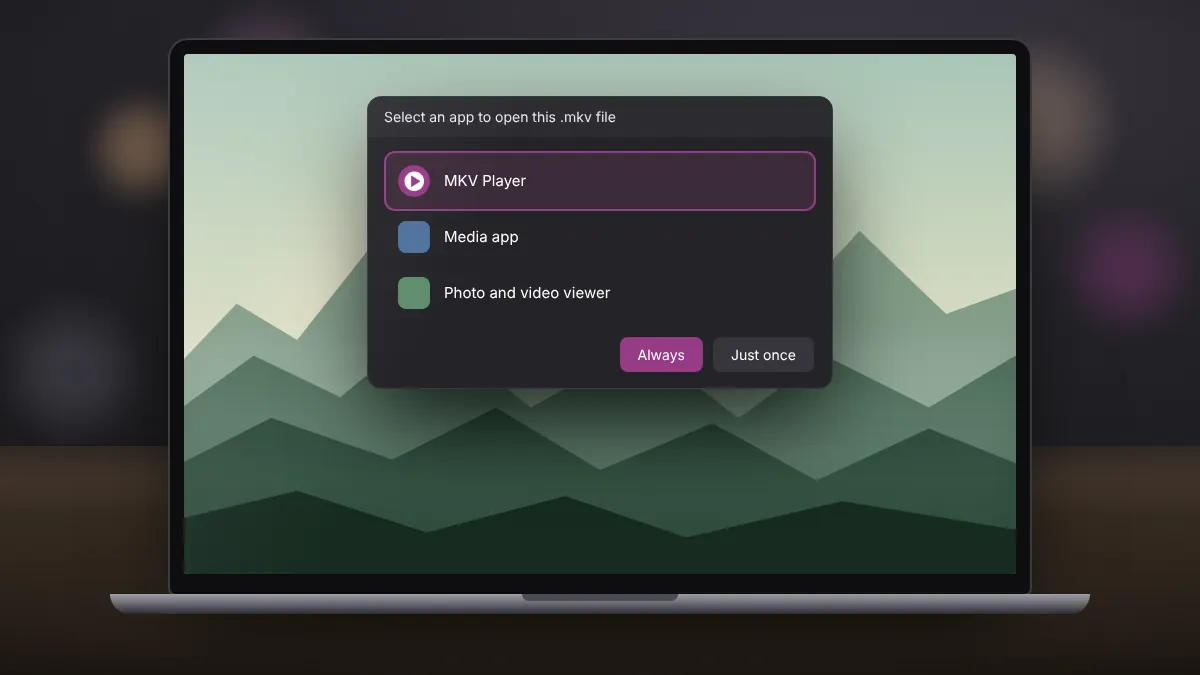
Read fullThree ways to make Windows open MKV files in your chosen player every time, plus how to undo it.
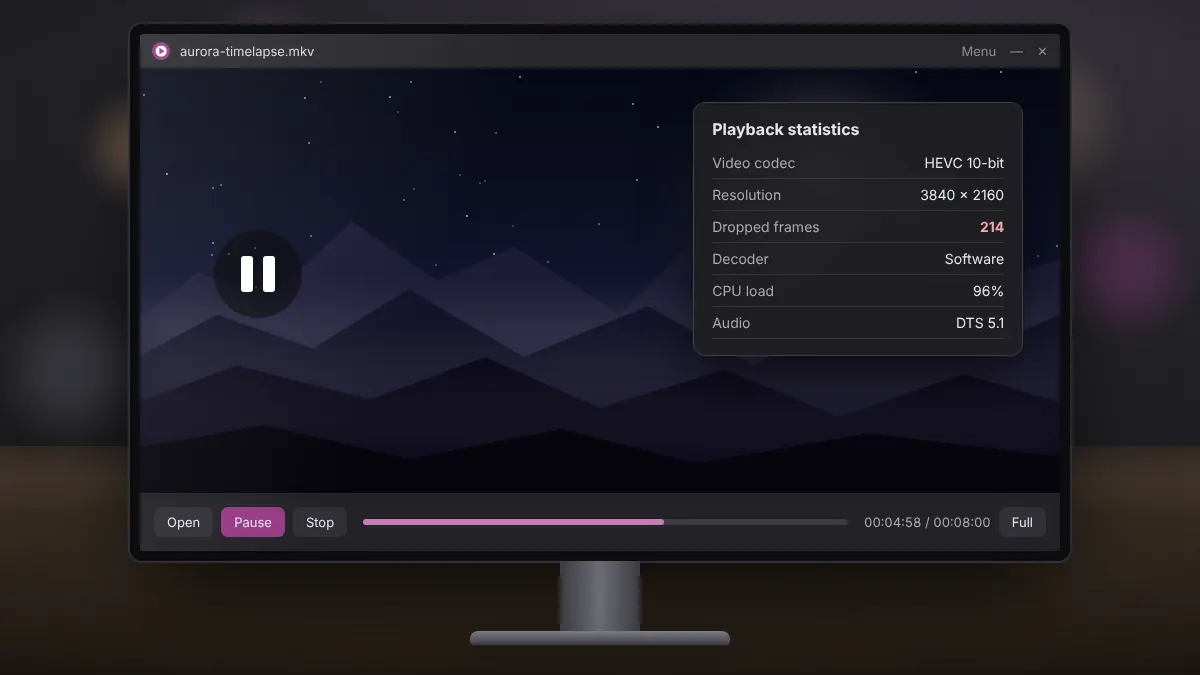
Read fullWhy high-resolution files stutter on older hardware, and the settings and choices that make them play smoothly.
Read full